
Devices
Everything the node has seen through MQTT Discovery, grouped by device. The button in the top right switches between two views.
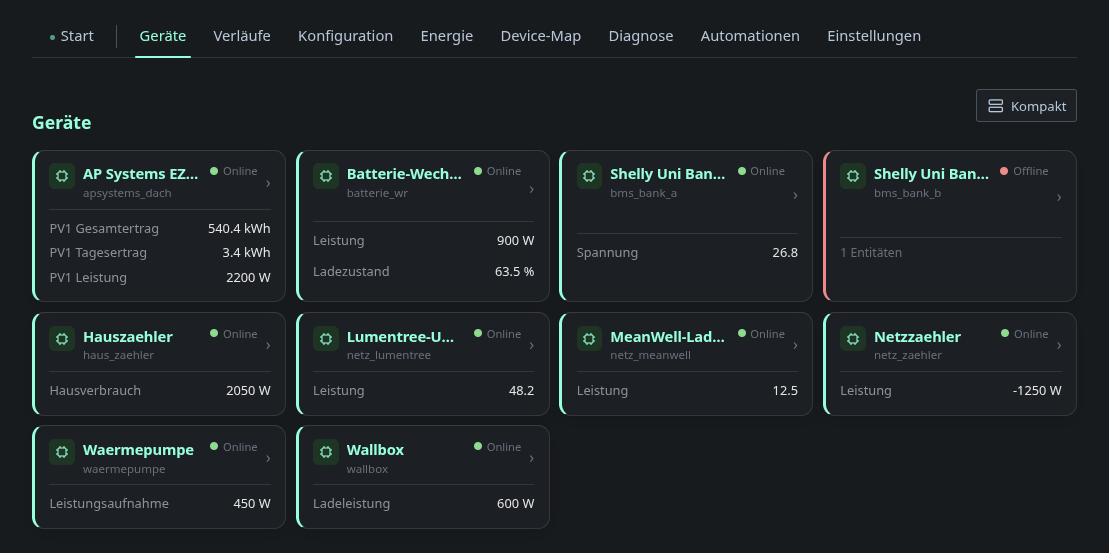
The compact view shows the name, the availability and a few headline values.
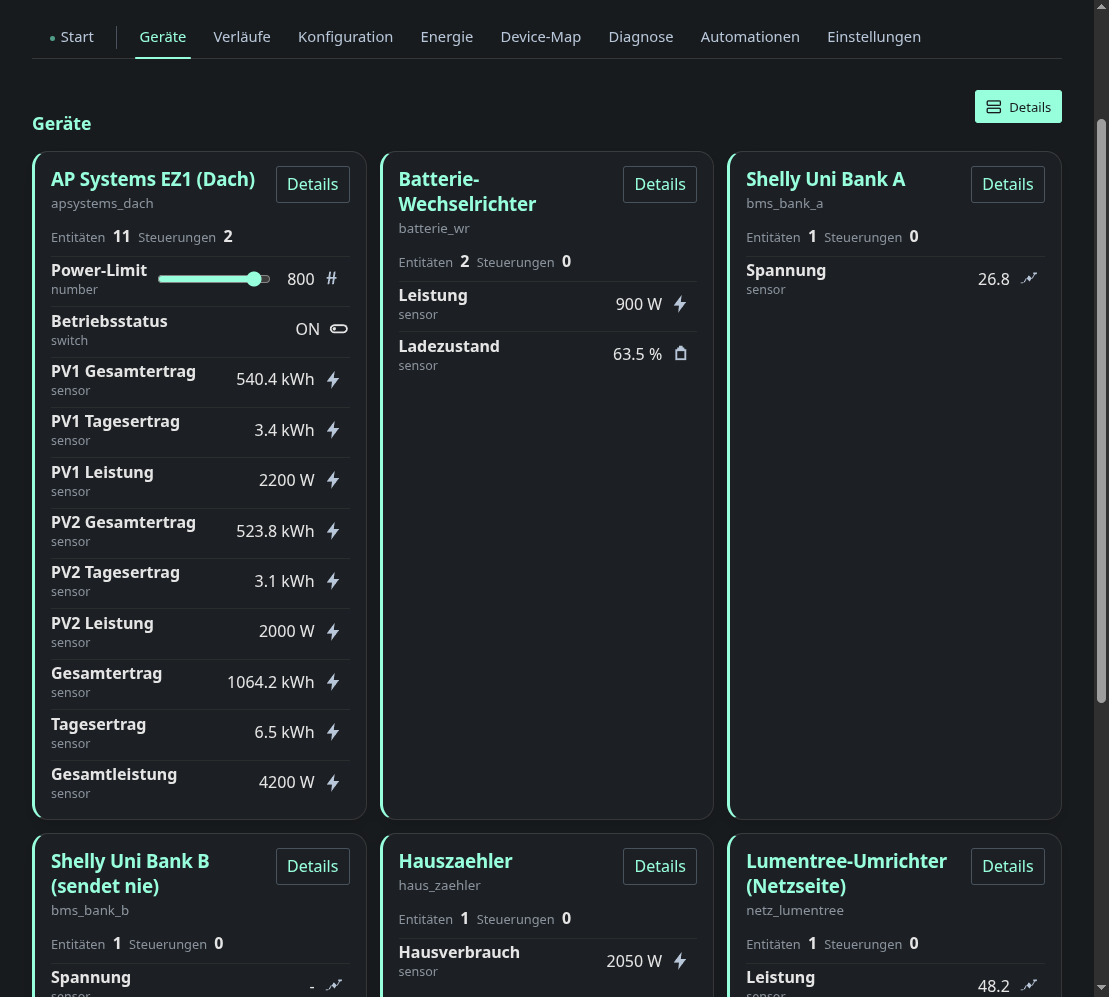
The detailed view shows every entity with its controls: sliders for number
entities, toggles for switch and live values for sensor.
Availability comes from each device’s availability_topic. Details on a
device opens the device dialog. Besides measurements and
controls it shows the raw discovery payload, the topics involved and whether the
discovery message was retained. That is usually the quickest way to find out
why Home Assistant does not see a device.
The default view is a setting, so a tablet on the wall can open straight into the compact view.
The dialog of a device that measures power lists its sub-devices. There you can create, edit and delete a sub-device, which gives the measurement a name such as “Washing machine”.
How the devices are wired and what they contribute to the energy balance is on the device map.