
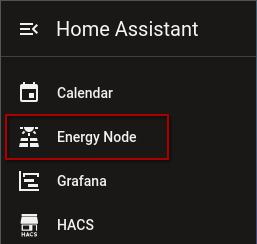
Dashboard in the sidebar
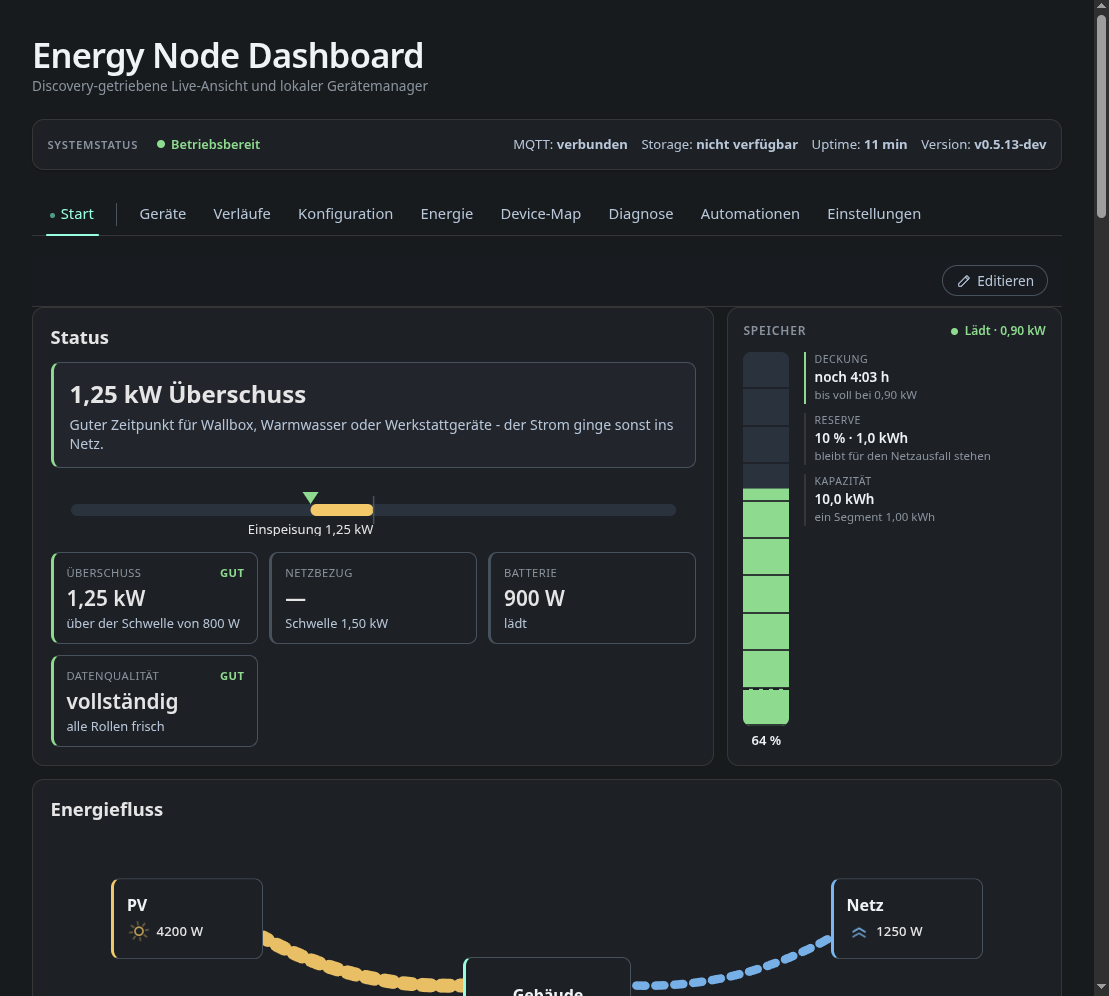
With the Sidebar option on, the node’s dashboard appears as its own entry in the Home Assistant sidebar. It opens inside Home Assistant with the same tabs you get in a browser on the tailnet.
Who sees it
The Sidebar option decides who gets the entry:
- All users (default): every Home Assistant user.
- Administrators only: only users with the administrator flag. Other users neither see the entry nor can open the page by its address.
- Off: no sidebar entry.
Name and icon of the entry are set in the options.
How it reaches the dashboard
Home Assistant passes the dashboard through to the browser. The browser only talks to Home Assistant, so the page also works on a phone that is not in your tailnet, for example through the Home Assistant app on the go. Only the Home Assistant host has to reach the node.
Signing in
The page opens with a guest session of the dashboard. A guest can look at everything and edit layouts and automation rules (see Dashboard). For the protected actions, sign in with a dashboard user as usual. The dashboard only accepts that sign-in when Home Assistant itself is served over HTTPS.
The page renews its access on its own while it is open. After a Home Assistant restart it fetches new access the next time you open it.
If the dashboard is offline, the page shows “The dashboard cannot be reached right now.” instead of the dashboard.